


Book estimates by phone
Address, job, time. Estimate booked.
A caller can share the kind of work they need, where the job is and when an estimate visit would suit them. Our Secretary checks your configured availability, books a visit that fits or sends your team the details when the request needs review.


An estimate starts with the right details
Before an estimator heads out, your team needs to know what the caller wants done, where the work is and when a visit might fit. Our Secretary gathers those details and books only from the services and availability you configure.
One call, start to finish.
A fictional business and caller, so you can compare it with how your own line works today.
Interior repaint estimate
- Caller
- Morgan Ellis · (407) 555-0142
- Job
- Repaint walls in three bedrooms
- Address
- 1842 Juniper Row, Orlando, FL
- Estimate visit
- Tuesday, 9:30 AM
The estimator sees the requested work, service address, caller’s number and booked time before heading out.
How appointment booking works →When the request needs a closer look
If the requested work does not match a configured estimate service or needs staff review, Our Secretary does not book a visit on its own. It collects the caller’s contact details and timing, then sends your team a callback task with the request context.
Review estimate request
- Caller
- Jamie Park · (407) 555-0168
- Request
- House trim and detached garage estimate
- Address and timing
- 62 Willow Bend · Afternoons
Your rules. Your call.
Everything below lives in your dashboard. Change it any time, then place a test call before it goes live. How setup works →
- Estimate services
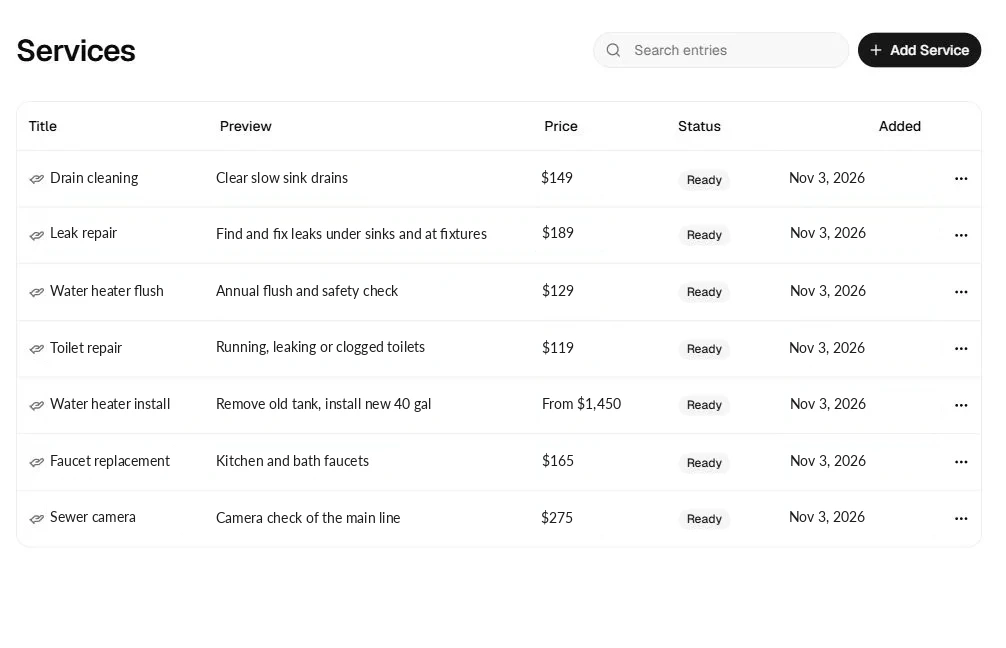
Add the types of work callers can request an estimate for. Set the visit duration for each configured service.
- Visit availability
Connect a supported calendar and set real availability, staff assignments and booking rules for estimate visits.
- Service area
Set the locations your business serves and the address details your team needs. Requests outside your service area can go to your team for review.
- Review and callback rules
Choose which requests can be booked and which should become callback tasks. Add approved answers for routine questions; when Our Secretary lacks a verified answer, it can take a message instead of guessing.
- Alerts and call handling
Choose your greeting, business hours, closures and handling rules. Set email alerts, and SMS text alerts where your package, carrier and caller consent allow.
What lands on your desk.
The request at a glance
Review the job type, caller’s address, preferred timing and callback number together.
A booked visit or a task
See the estimate appointment in the connected calendar, or review a callback task when the request needs staff input.
Call context
Open the call outcome and transcript, with recordings available where enabled, to understand what the caller asked for.
Questions owners ask
Straight answers about how it works on your line.
Does Our Secretary book every estimate request?
Which calendars can I connect?
Can I forward my current business number?
How will my team get callback alerts?


Your business can sound this good too.
Set the estimate services, visit availability and review rules your team wants. Our Secretary can then book the requests that fit and send the rest back with context.
