


AI receptionist for auto repair shops
Your shop can sound this good too.
When a call comes in while your service desk is helping someone at the counter, Our Secretary can capture the vehicle, requested work and preferred timing. It checks the drop-off slots you configure, books against connected calendar availability, or sends your team a callback task when no slot fits.


A call comes in under the lift
The service desk is helping a customer at the counter when another caller needs an oil change. They want to know when they can drop off the car, and your team needs the vehicle and requested work before they can plan the visit.
One call, start to finish.
A fictional business and caller, so you can compare it with how your own line works today.
Drop-off booked
- Customer
- Jordan Lee
- Callback
- (312) 555-0142
- Vehicle
- 2018 Honda Civic
- Requested work
- Oil change
- Drop-off
- Wednesday, 9:30 AM
The caller gets a drop-off time while the desk keeps helping the customer in front of them.
How appointment booking works →When no drop-off slot fits
If the configured calendar has no suitable opening, Our Secretary can collect the caller's preferred timing and send your team a callback task. It does not book a time that is unavailable.
Follow up on drop-off options
- Caller
- Jordan Lee · (312) 555-0142
- Vehicle & work
- 2018 Honda Civic · oil change
- Preferred timing
- Thursday after 2 PM
Your rules. Your call.
Everything below lives in your dashboard. Change it any time, then place a test call before it goes live. How setup works →
- Greeting and shop hours
Set the greeting, open hours, closures and call-handling rules. Add approved answers about your shop and its services.
- Drop-off calendar
Connect Google Calendar, Cal.com or Calendly, then set services, durations, staff assignments and available drop-off times. Calendly requires an eligible paid account.
- Vehicle and work intake
Choose the details you want collected, such as caller name, callback number, vehicle and requested work. Your team can get those details with the appointment or callback task.
- Service desk handoff
Set which calls should transfer to your configured team destinations. If no one answers, Our Secretary can take a message and create a callback task.
- Alerts and call records
Choose email alerts and, where consent, carrier and package allow, SMS text alerts. Review call history, outcomes, transcripts and recordings when enabled.
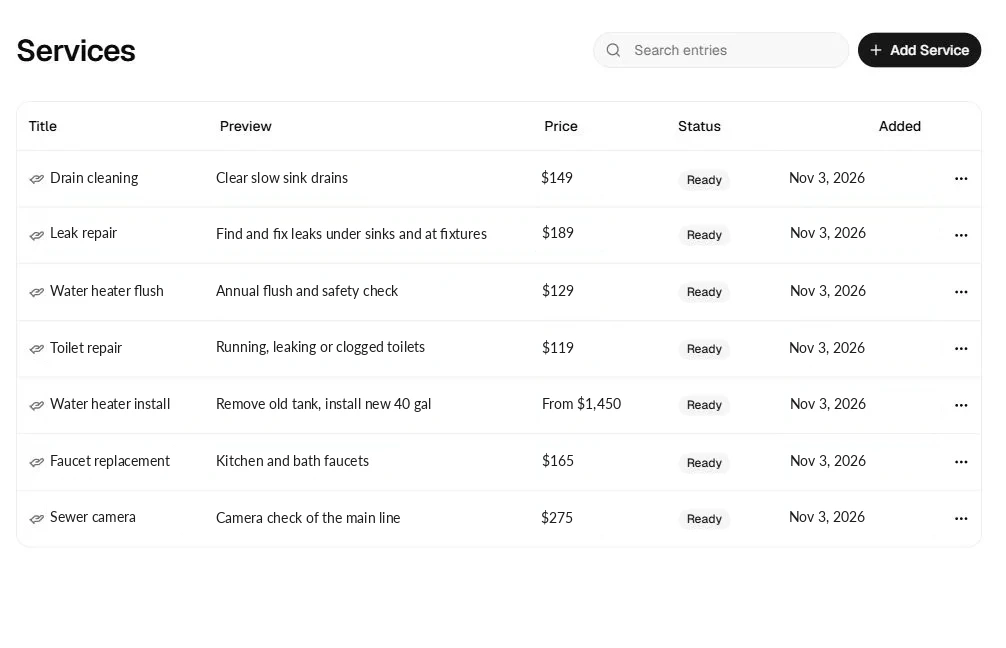
What lands on your desk.
A useful intake card
See the caller's contact details, vehicle, requested work and preferred timing alongside the call outcome.
Booked drop-offs
Appointments booked against configured services and connected calendar availability appear with the details your team needs for the visit.
Follow-up with context
When the call needs a person or no slot fits, your team gets a callback task with the caller's request. Staff can mark tasks complete in the dashboard.
Questions owners ask
Straight answers about how it works on your line.
Can Our Secretary book a vehicle drop-off?
What happens if no drop-off time fits?
Can I keep my shop's current number and reach the service desk?
Will my team get a text alert for each call?
Your next question.
 Back to Shops & studiosShops & studiosRead more →
 The workflowOverflow answering
Catch busy and unanswered calls, then test the forwarding path before you rely on it.
Read more → The feature you set upAppointment booking
Let callers choose a service, check real availability, and book during the call.
Read more → Related industryAuto detailing
Ask about the vehicle and package, then book the right drop-off slot.
Read more →Your shop can sound this good too.
Set the drop-off rules your shop uses, connect your calendar and give callers a clear next step while your team is with the customer at the counter.
