


AI receptionist for driving schools
Your school can sound this good too.
Instructors are on the road, so callers need more than a message box. Our Secretary works as a driving school answering service: it distinguishes a first lesson from road-test preparation, checks the pickup area against your rules, and books the right configured lesson when the calendar has an opening.


A first lesson isn't test-day practice
A caller booking a first drive needs a different lesson than someone preparing for a road test. Your receptionist asks which lesson they need and where pickup should be, then follows your service-area rules before offering an available slot.
One call, start to finish.
A fictional business and caller, so you can compare it with how your own line works today.
First driving lesson
- Caller
- Maya Chen
- Callback
- (312) 555-0142
- Lesson
- First lesson · 60 minutes
- Pickup
- 18 Willow Bend, Linden Park
- Appointment
- Tuesday, 3:30 PM
This booking assumes Linden Park is on the school's approved pickup list and the connected calendar has the stated opening.
How appointment booking works →When no lesson slot fits
If the calendar has no road-test prep opening that fits the caller's timing, the receptionist can take a callback request instead. Your team receives the lesson type, pickup area, and preferred time to follow up.
Road-test prep callback
- Caller
- Eli Torres · (312) 555-0176
- Pickup
- 18 Willow Bend, Linden Park
- Timing
- Afternoons · before Friday
Your rules. Your call.
Everything below lives in your dashboard. Change it any time, then place a test call before it goes live. How setup works →
- Define lesson types
Set up first lessons and road-test preparation as separate services, with their durations and booking rules. Assign each to the staff and calendar you choose.
- Set pickup coverage
Add the areas your school serves and the instructions for requests outside them. Your receptionist uses those rules when it collects a pickup location.
- Connect your calendar
Connect Google Calendar, Cal.com, or Calendly to use real availability. Calendly requires an eligible paid account.
- Add school information
Provide approved answers about lesson options, hours, closures, and booking policies. If an answer isn't verified, the receptionist can take a message for your team.
- Choose call handling
Set greeting, transfer destinations, and when to take a message or callback request. You can use a new number or forward your existing number where your carrier supports it.
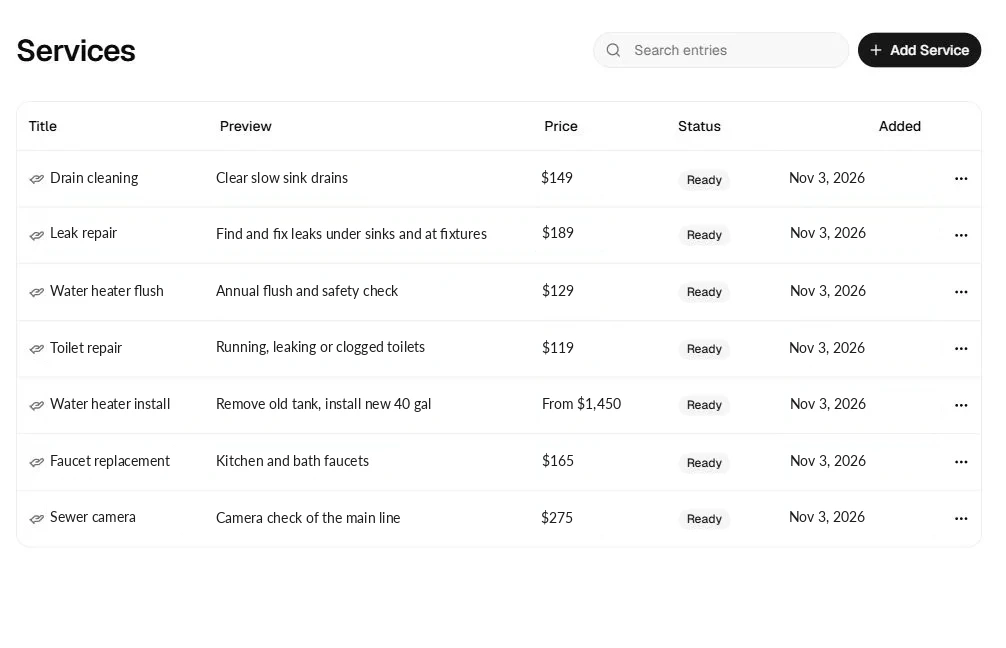
What lands on your desk.
Booked lessons
See the lesson type, pickup location, caller details, appointment time, and call record in your dashboard.
Callback tasks
Get the caller's requested lesson, pickup area, and timing when no suitable slot is available or the request needs your team's review.
Call history
Review call outcomes, transcripts, and recordings where enabled. Your team can mark tasks complete in the dashboard.
Questions owners ask
Straight answers about how it works on your line.
Can it tell a first lesson from road-test preparation?
Can it check whether you pick up in a caller's area?
Can I forward our existing driving school number?
Can it text our team about a callback request?
Your next question.
 Back to Shops & studiosShops & studiosRead more →
 The workflowService-area screening
Check the address first. Book within your service area or send an exception to your team.
Read more → The feature you set upAppointment booking
Let callers choose a service, check real availability, and book during the call.
Read more → Also in Shops & studiosTailors & bridal alterations
Ask about the garment and event date, then book a fitting or send a rush request to your team.
Read more →Your school can sound this good too.
Set the lesson types, pickup areas, and calendar rules your school uses. Then let Our Secretary handle the next call while your instructors are on the road.
