


How Our Secretary works
Tell it about your business. It handles the phone.
You bring the details only you know: hours, services, who handles what. Our Secretary turns them into a receptionist you can test before a single customer calls.

From sign-up to your first real call.
Seven steps. Each one lives in your dashboard, and each one can be changed later.
Pick your number
Use a dedicated number from Our Secretary, or forward your existing business line: all calls, only when busy or unanswered, or after hours. Your carrier controls the forwarding options.
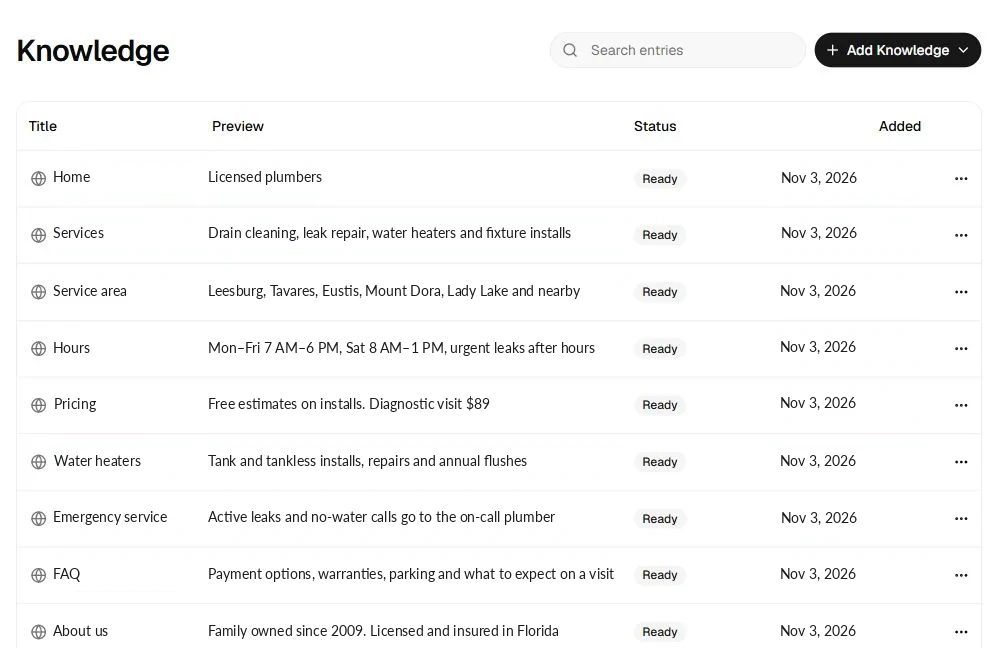
Teach it your business
Add your website, services, hours, prices you want shared and the questions callers ask most. It answers from what you approve and flags what it doesn’t know.
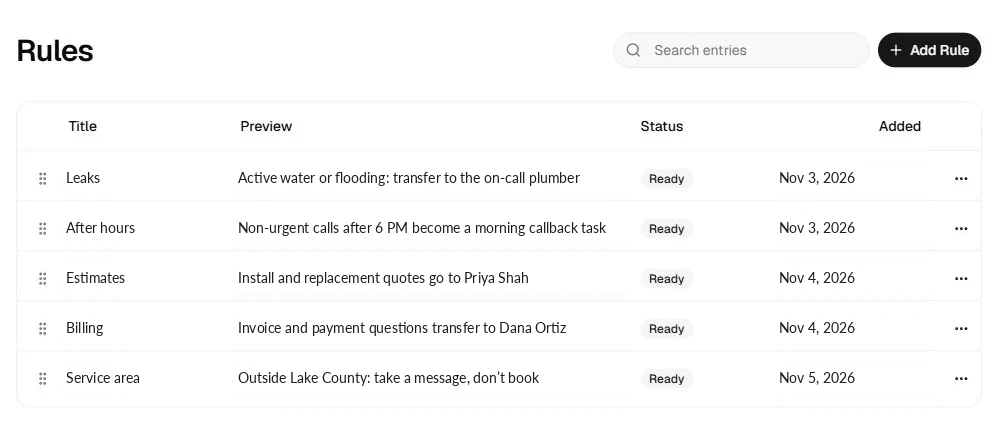
Set the call rules
Decide what counts as urgent, who gets transferred, what to collect from new callers and what happens if nobody picks up.
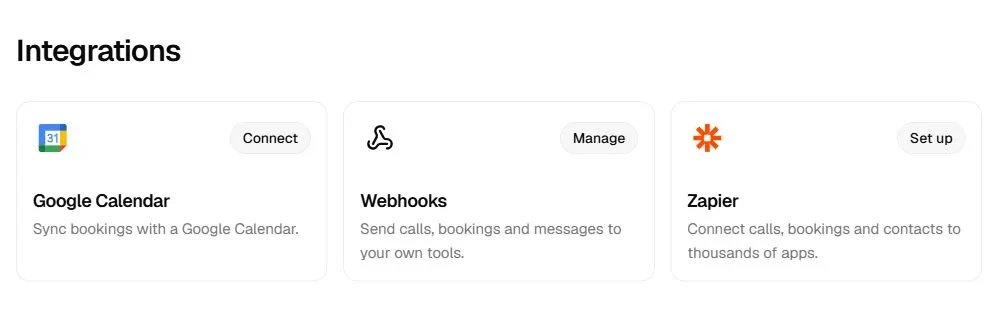
Connect your calendar
Connect Google Calendar, Cal.com or Calendly so callers can book from your real availability. Skip this step if you only want messages and transfers.
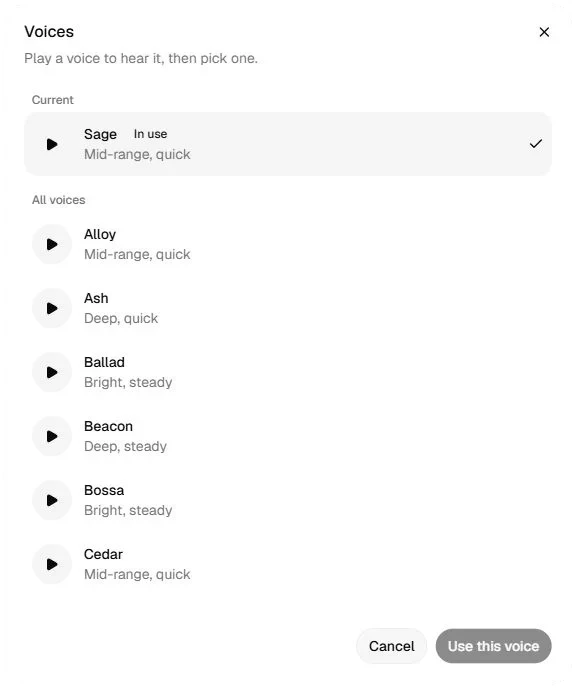
Choose a voice and greeting
Pick from 22 voices, write your greeting and set the opening language. Callers can switch languages during the call.
Place a test call
Call it from your mobile. Try a routine question, a booking, an urgent request and a transfer nobody answers. Adjust and call again.
Go live
Turn on forwarding or publish your new number. Every call shows up in your call history with the outcome and next step.

What you bring. What we handle.
You provide
- Your business hours and holidays
- Services, prices you want shared, service area
- Who gets urgent calls, and their numbers
- Your calendar login, if you want bookings
- A few test calls from your phone
Our Secretary handles
- Answering each call with your greeting
- Answering from your approved information
- Booking, transfers and callback tasks by your rules
- Summaries, plus transcripts and recordings where enabled
- Email support, and dedicated implementation on Enterprise
Prefer a person to walk you through it? Book a walkthrough → · Comparing options? Read the buyer’s guide →
Questions owners ask
Straight answers about how it works on your line.
How long does setup take?
Do I need to change my phone number?
What happens if it doesn’t know an answer?
Can I change things after I go live?
Tell it about your business. It handles the phone.
Start free for 14 days. Use the checklist, place a test call, then switch on forwarding when you’re ready.

