


AI receptionist for massage studios
Your studio can sound this good too.
When a guest calls while a session is underway, Our Secretary can answer, explain approved studio details and book the right session length into your connected calendar. If their preferred practitioner is booked, it can offer available alternatives or take a callback request, so your team can pick up with the details.


The call comes during a session
Guests still need to know which session lengths are open and who can take them. If their first-choice practitioner is booked, a vague answer can leave them without a next step.
One call, start to finish.
A fictional business and caller, so you can compare it with how your own line works today.
Signature session booked
- Guest
- Tessa Morgan
- Session
- Signature · 60 minutes
- Practitioner
- Elena
- Appointment
- Thursday · 3:30 PM
Your team sees the booking in the connected calendar and the call details in Our Secretary.
How appointment booking works →When no opening fits
If the preferred practitioner and other configured options are booked, Our Secretary can collect the guest’s preferred timing and create a callback task for your team.
Find another 60-minute opening
- Guest
- Tessa Morgan
- Callback
- (312) 555-0142
- Preferred timing
- Friday afternoon or next week
Your rules. Your call.
Everything below lives in your dashboard. Change it any time, then place a test call before it goes live. How setup works →
- Session options
Add session types and durations your studio offers. Our Secretary uses those choices when taking bookings.
- Practitioner availability
Set staff assignments and availability in your connected calendar. Your receptionist can offer configured alternatives when a preferred practitioner is booked.
- Studio details
Add approved answers about your hours, closures and studio policies. If it does not have a verified answer, it can take a message for your team.
- Call handling
Choose a greeting, hours and rules for when to transfer a call or take a message. You can use a new number or forward your existing number.
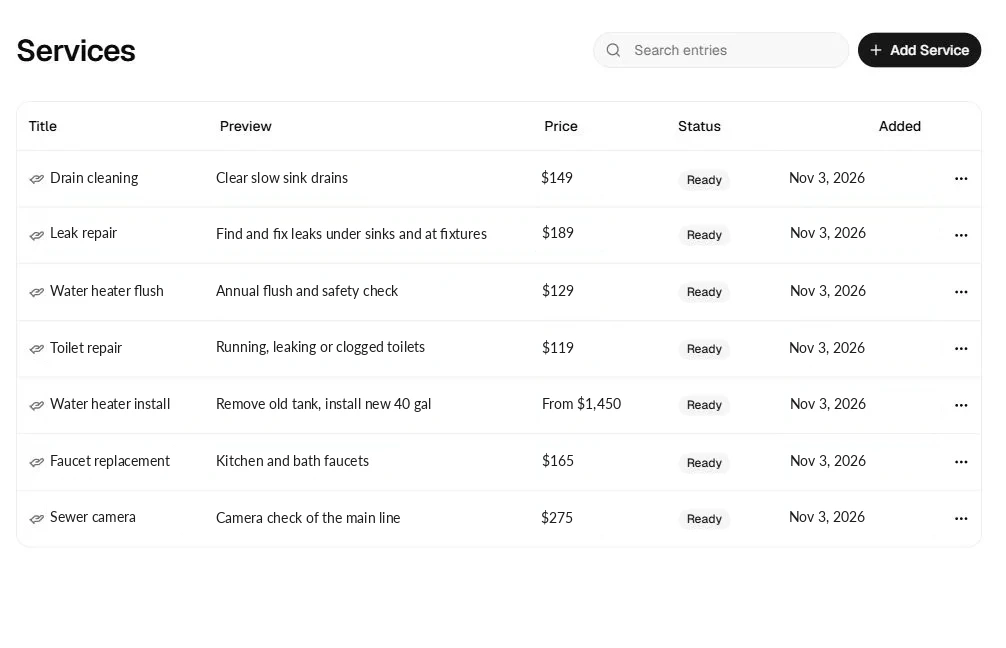
What lands on your desk.
Bookings with context
See the guest’s name, session, duration, practitioner and appointment time alongside the call outcome.
Callback tasks
Review the guest’s requested timing and callback number when no available session fits.
Call history
Review call outcomes and transcripts. Recordings are available where enabled.
Questions owners ask
Straight answers about how it works on your line.
Can Our Secretary book directly into our studio calendar?
What happens if a guest’s preferred practitioner is booked?
Can I keep my studio’s existing phone number?
Can the team get a text alert about a new booking or callback?
Your next question.
 Back to Shops & studiosShops & studiosRead more →
 The workflowAppointment scheduling
Callers hear real openings, choose a time, and get a clear confirmation—or a callback path.
Read more → The feature you set upAppointment booking
Let callers choose a service, check real availability, and book during the call.
Read more → Also in Shops & studiosTattoo studios
Capture style and placement, then book a consultation with the right artist or pass the inquiry to your team.
Read more →Your studio can sound this good too.
Set up your session menu and practitioner availability, then let Our Secretary answer while you’re with a guest. Your team can pick up each booking or callback request with the details in view.
