


AI receptionist for tailors and bridal alterations
Your shop can sound this good too.
A hem with a wedding date attached needs more than a name and number. Our Secretary asks what garment needs work and when it is needed, then books a fitting from your connected calendar or sends your team a rush request when the timing needs a human review.
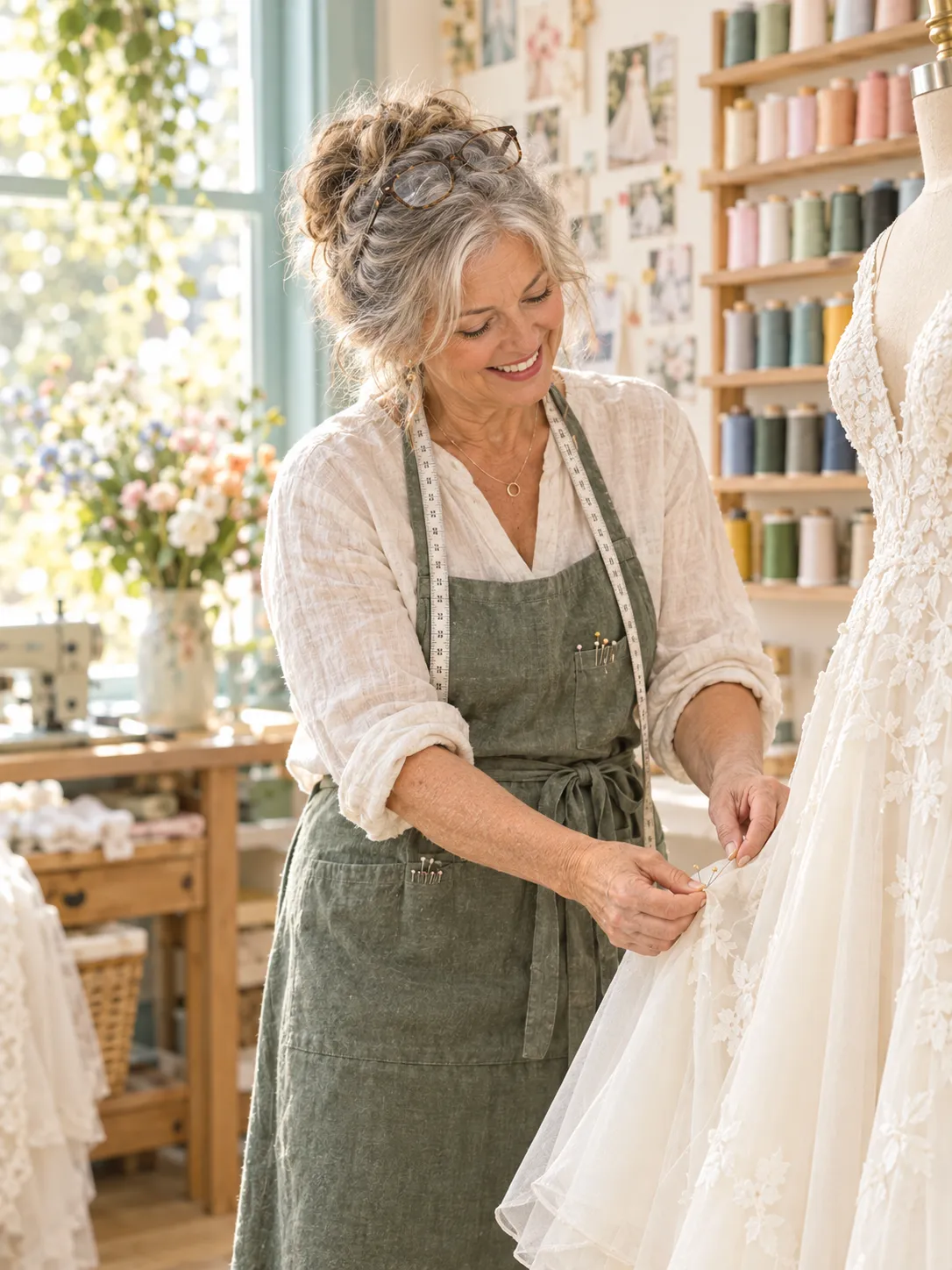

A date can change the fitting plan
A wedding dress, a trouser hem, and a jacket sleeve each need different details before a fitting. Your receptionist asks what garment needs work and when it is needed, so your team can see the request before the customer walks in.
One call, start to finish.
A fictional business and caller, so you can compare it with how your own line works today.
Fitting booked
- Customer
- Maya Bennett
- Garment
- Floor-length bridesmaid dress
- Requested service
- Rush hem
- Event date
- May 24
- Fitting
- May 2, 10:00 AM
The fitting is booked from the connected calendar. The rush request is visible to your team; the receptionist does not promise a completion date.
How appointment booking works →When no fitting time fits
If the calendar has no suitable opening, Our Secretary can offer available alternatives or take a callback request. Your team receives the garment, event date, and preferred timing to review the rush request.
Review rush hem request
- Garment
- Dress
- Event date
- May 24
- Preferred timing
- Morning callback
Your rules. Your call.
Everything below lives in your dashboard. Change it any time, then place a test call before it goes live. How setup works →
- Fittings and availability
Connect Google Calendar, Cal.com, or Calendly and set fitting duration, staff assignments, and available times. Calendly requires an eligible paid account.
- Rush request details
Choose what your receptionist asks, such as garment type, requested service, and event or pickup date. Set the rule for sending rush requests to your team.
- Shop questions
Add approved answers about services, hours, location, and fitting preparation from your website, documents, or manual entries. If an answer is not verified, it takes a message instead of guessing.
- Call handling rules
Set your greeting, open hours, closures, and when calls should transfer or become callback tasks. You can use a new number or forward your existing number where your carrier supports it.
- Team alerts
Choose email alerts and, where your package, carrier, and consent allow, SMS text alerts for new requests.
What lands on your desk.
Fitting details
The calendar appointment includes the caller's name, garment, requested service, and event date.
Rush requests to review
A callback task gives your team the customer's timing and garment details without promising that the job can be completed by the event.
Call context
Call history shows the outcome and transcript, plus a recording when recording is enabled.
Questions owners ask
Straight answers about how it works on your line.
Can it book fittings for my shop?
Will it promise a rush job is ready by the event?
Can I keep my shop's current phone number?
Can my team get text alerts about rush requests?
Your next question.
 Back to Shops & studiosShops & studiosRead more →
 The workflowAppointment scheduling
Callers hear real openings, choose a time, and get a clear confirmation—or a callback path.
Read more → The feature you set upAppointment booking
Let callers choose a service, check real availability, and book during the call.
Read more →Also in Shops & studiosSalons & spasA salon and spa AI receptionist that books configured services against real staff availability.
Read more →Your shop can sound this good too.
Give every fitting request a clearer start. Set up Our Secretary to ask about the garment, the event date, and the next step your team wants.
