


AI receptionist for tattoo studios
Your studio can sound this good too.
Your tattoo studio answering service should capture more than a name: it should note the style, placement and artist the caller has in mind. Our Secretary uses your configured artist assignments and calendar availability to book a consultation, or sends the inquiry to your team with the details they need.


Needle down, phone up? Not anymore
A caller may know the style and placement they want, but not which artist to ask for. Our Secretary collects those details, follows your artist assignments and checks consultation availability, so your team gets a useful inquiry or a booking.
One call, start to finish.
A fictional business and caller, so you can compare it with how your own line works today.
Fine-line consultation with Mara
- Name
- Nina Cole
- Callback number
- (312) 555-0186
- Style and placement
- Fine-line wildflowers · outer left forearm · about 4 inches
- Artist
- Mara
- Appointment
- Thursday, 4:00 PM
The artist assignment and open time come from the studio’s configured rules and connected calendar.
How receptionist settings works →When the calendar has no fit
If the configured artist has no consultation time that works, Our Secretary can take a callback request instead. It records the caller’s contact details, style and placement for your team to review.
Consultation inquiry for studio review
- Name and number
- Eli · (503) 555-0164
- Style and placement
- Blackwork · shoulder · small design
- Next step
- Your team to review and call back
Your rules. Your call.
Everything below lives in your dashboard. Change it any time, then place a test call before it goes live. How setup works →
- Artist assignments
Add the styles and services each artist takes inquiries for. Set the matching rules your receptionist should follow when a caller has no artist preference.
- Consultation calendars
Connect Google Calendar, Cal.com or Calendly and set consultation durations and staff assignments. Calendly requires an eligible paid account.
- Intake details
Choose what to collect, such as style, placement, approximate size, preferred artist, name and callback number.
- Hours and call handling
Set your greeting, business hours, closures and what happens when the studio is busy or closed. You can use a new number or forward your existing number where your carrier supports it.
- Studio information
Add approved answers about your studio, booking process and services. Set when an unanswered question should become a message and callback task.
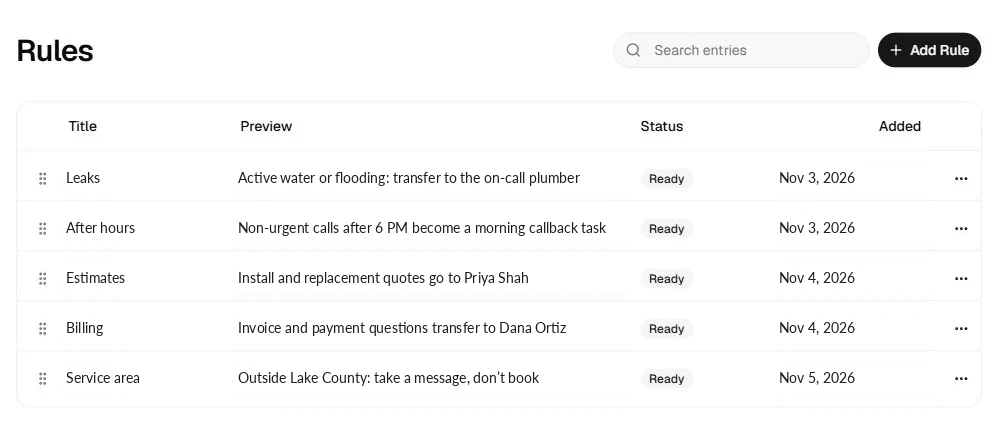
What lands on your desk.
Consultation details
See the caller’s name, callback number, requested style and placement, assigned artist and appointment time.
Inquiries to follow up
Review callback tasks with the caller’s details and the context behind the request.
Call history
Review call outcomes, transcripts and recordings where enabled, along with appointments and open tasks.
Questions owners ask
Straight answers about how it works on your line.
Can it book a consultation with the right artist?
Which calendars can I connect?
Can I use my studio’s existing phone number?
What if a caller asks something the receptionist can’t verify?
Your next question.
 Back to Shops & studiosShops & studiosRead more →
 The workflowAppointment scheduling
Callers hear real openings, choose a time, and get a clear confirmation—or a callback path.
Read more → The feature you set upReceptionist settings
Set greetings, hours, services and call rules, then test your setup before it goes live.
Read more → Also in Shops & studiosPhotography studios
Ask about the shoot, timing, and group size. Book a configured session or route custom work to a planning call.
Read more →Your studio can sound this good too.
Needle down, phone up? Not anymore. Set your artist assignments, consultation calendar and call rules so each inquiry gets a clear next step.
