


AI receptionist appointment booking
“Thursday at 10 works.” Booked before they hang up.
A caller should not have to leave a message, wait for a return call, then compare calendars. Our Secretary asks what service they need, checks your connected calendar against configured durations and staff, and books an available time during the call; if nothing fits, it offers alternatives or sends your team a callback task.


Skip the scheduling back-and-forth
A callback turns one booking into a string of missed connections: what service, how long, which staff member, and which time is actually open. Your receptionist checks configured availability during the call, so callers can choose a real slot or leave a clear callback request when none works.
One call, start to finish.
A fictional business and caller, so you can compare it with how your own line works today.
Standard tune-up booked
- Caller
- Dana Ruiz
- Service
- Standard tune-up
- Appointment
- Thursday, 10:00 AM
- Location
- 18 Alder Street
Your team sees the appointment in the connected calendar and Our Secretary dashboard, along with the call outcome.
See it in a real workflow: appointment scheduling →When no time fits
If the requested time is full, your receptionist can offer other available slots. If those do not work, it collects callback details and creates a task for your team instead of booking a time that is not open.
Tune-up scheduling callback
- Caller
- Dana Ruiz
- Callback
- (407) 555-0142
- Request
- Find a tune-up time that works
Your rules. Your call.
Everything below lives in your dashboard. Change it any time, then place a test call before it goes live. How setup works →
- Connect your calendar
Connect Google Calendar, Cal.com, or Calendly so Our Secretary can check current availability and add bookings. Calendly requires an eligible paid account.
- Add bookable services
Set each service name and duration. Callers can ask for a service your business has configured.
- Assign your team
Choose which staff members handle each service and which calendars reflect their availability.
- Set booking rules
Choose how your receptionist handles requests, available times, and alternatives. When no slot works, it can collect details for a callback task.
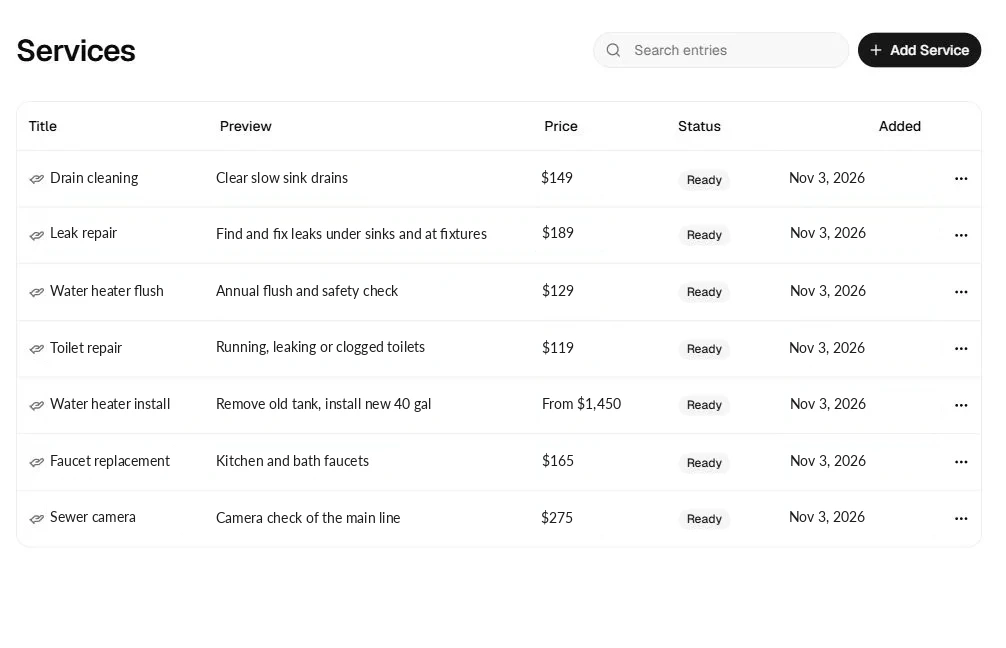
What lands on your desk.
The appointment
A confirmed booking appears in the connected calendar and Our Secretary dashboard with the caller, service, and appointment time.
The call record
Review the call outcome and transcript in call history. Recordings are available where enabled.
The next step
If the caller cannot use an offered time, your team sees a callback task with the request and the caller’s details.
Questions owners ask
Straight answers about how it works on your line.
Which calendars can Our Secretary book into?
What happens if the caller’s preferred time is unavailable?
Can callers change or cancel a booking?
Can I forward my existing number and get text alerts?
Your next question.
 Use caseAppointment scheduling
Callers hear real openings, choose a time, and get a clear confirmation—or a callback path.
Read more → Use caseBook estimates by phone
Collect the job, address and timing, then book a configured estimate visit or request a callback.
Read more → Industry examplePest control
Collect the address and what callers observed, then book a configured pest control visit.
Read more → Industry exampleAccounting & bookkeeping
Separate new bookkeeping inquiries from existing-client callbacks, even during month-end close.
Read more →Your business can sound this good too.
Connect your calendar, set the services and staff you want to book, and let callers choose an available time while they’re on the phone.
